
 GDPR compliant
 HIPAA compliant



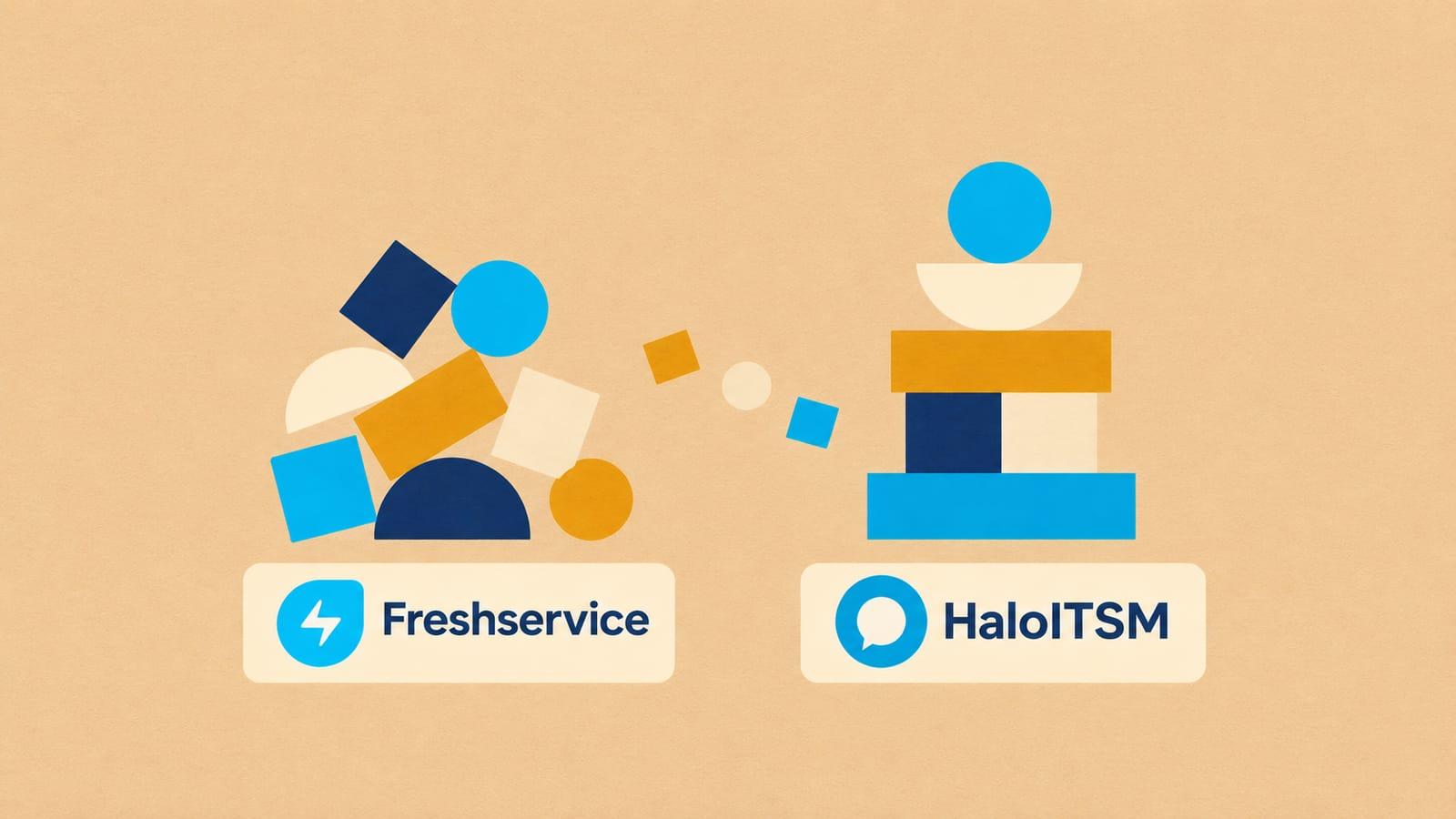
HaloITSM migration
Moving off HaloITSM?
HaloITSM keeps every record as a ticket with an ITIL type, plus clients, sites, users, assets and FAQ lists, with SLAs set by site or ticket type. We move that history to Freshservice, and scope other targets on the scoping call.
Scope my migrationFree sample migration of 100 of your records, plus a fixed quote within 24 hours.
- 1000+migrations
- 15 yearsof collective experience
 SOC 2 Type IIGDPR compliantHIPAA compliant
What moves
What moves from HaloITSM?
The objects we carry across by default. Your exact scope is agreed on the scoping call.
- Tickets
- Problems
- Change Requests
- Clients
- Users
- FAQ Lists
- Articles
What does not move
What does not move from HaloITSM as-is
Configuration, not data. We list each item in scope so your team can rebuild it in the target.
- Workflows, ticket rules and automations: rebuilt in the target
- SLA definitions and workday calendars
- Ticket type field layouts, which are set up again in the target's forms
Free sample migration of 100 of your records. Fixed quote within 24 hours.
Scope my migrationMigration paths
Where can I move to or from HaloITSM?
Routes we run from and into HaloITSM. Open a route to see what migrates, or ask us about one that is not listed yet.
From HaloITSM
Into HaloITSM
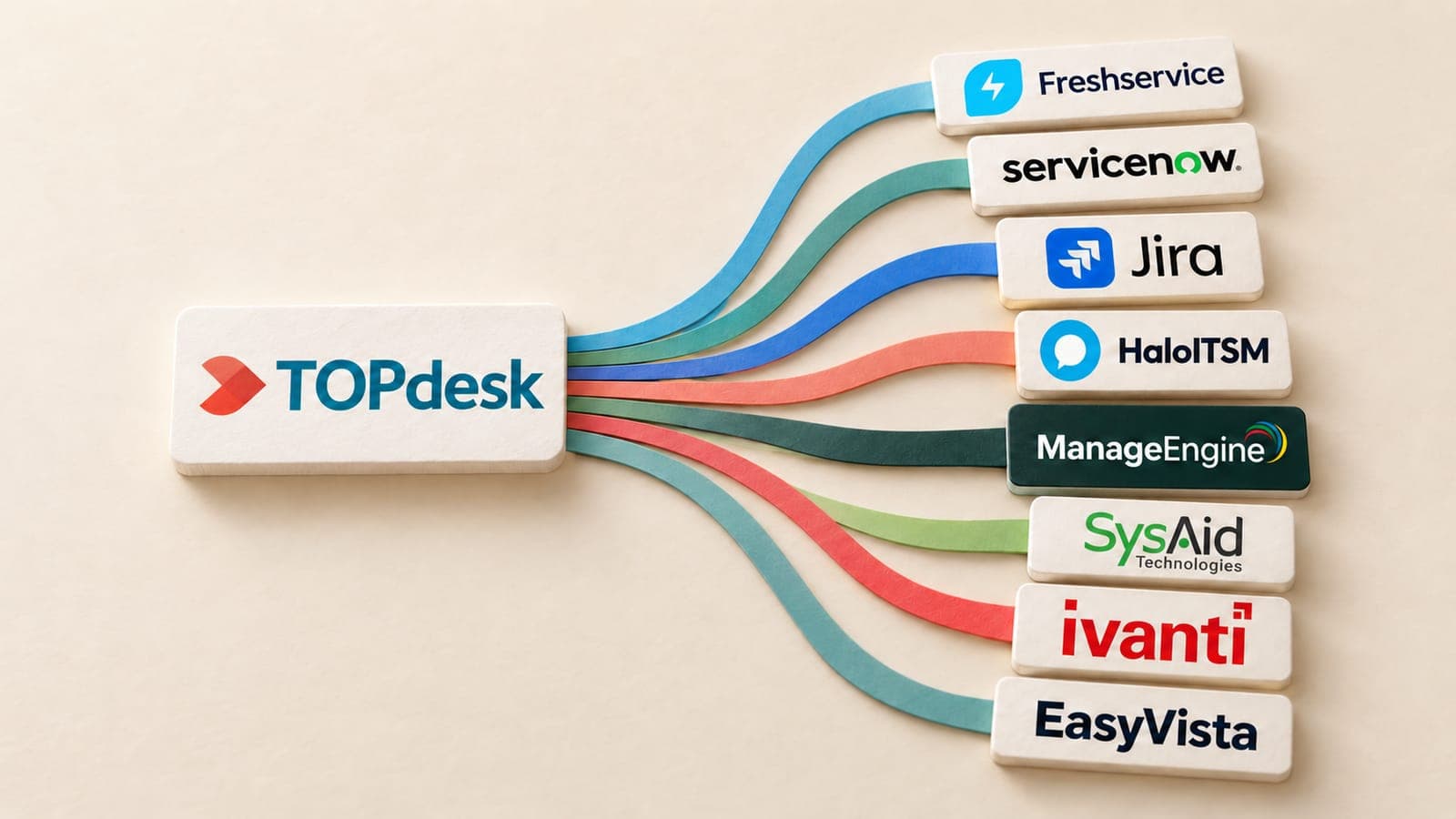
191 connectors, all live
Every connector is live, so HaloITSM can be paired with any of them. Some of the ITSM platforms:
- ServiceNow
- Jira Service Management
- BMC Helix ITSM
- Cherwell
- Ivanti Neurons for ITSM
- ManageEngine ServiceDesk Plus
- TOPdesk
- SysAid
- SolarWinds Service Desk
- IBM Control Desk
Platform not listed?
We build new connectors in 2 to 3 days. Tell us what you run and we scope the route with you.
Timeline
Your HaloITSM migration, step by step
Estimated total
About 10 business days
end to end
- MigrateXwe run it
- Youyour team acts
- Bothon a call together
Preparation
Day 1-2
Scoping call
Both0.5 dayA 30 minute call with the engineer who will run the migration, to agree the objects, date ranges and volumes in scope.
Connect both platforms
You0.5 dayYou create scoped API credentials on the source and the destination. Nothing is written until you sign off the mapping.
Field mapping review
Both1 dayWe walk through every field, status and group mapping with your team and note the ones that need a decision.
Migration
Day 3-7
Free sample migration of 100 records
MigrateX1 dayA sample of your real records is migrated end to end so you can see the result before the full run.
You review the sample
You1 dayYour team opens the migrated records and tells us what to adjust. We rerun the sample until it is right.
Full migration
MigrateX2-3 daysThe bulk pass runs in dependency order, paced to the destination rate limit. Your team keeps working normally.
Delta sync
MigrateX0.5 dayEverything created or changed during the bulk pass is synced at cutover so nothing falls between the two systems.
Validation
Day 8-10
Validation report
MigrateX1 dayRecord counts per object and per status on both sides, plus every record that needed a default or a placeholder.
Spot checks and sign-off
You1-2 daysYour leads check a random sample and sign off. We stay available for two weeks after go-live.
An estimate. Record volume, API rate limits and how fast your team reviews the sample all move it.
See how it works in detailData model
How HaloITSM stores your data
What shapes the export, checked against the vendor's own documentation.
One ticket table, many ticket types
Incidents, problems, changes and service requests are all tickets. Each ticket type has an ITIL type set against it, so we map by ticket type, not by table.
Source: Halo guides
SLAs by site or ticket type
An SLA can apply to a site or a ticket type, with response and resolution targets per priority.
Source: Halo guides
Knowledge in FAQ lists
Articles are grouped into FAQ lists. We map each list to a category or folder in the target.
Source: Halo guides
HaloITSM migration questions
Still unsure? Ask us on the scoping call.
What does a HaloITSM migration cost?
HaloITSM migration cost depends on ticket volume across all your ticket types, the number of actions on each ticket (emails, private notes and status changes are all stored as actions), the attachments, and how many clients, sites and FAQ lists are in scope. MigrateX does a free sample migration of 100 of your records, and the fixed quote arrives within 24 hours of it.
How long does a HaloITSM migration take?
Our default plan is about 10 business days end to end. The export is paced by Halo's rate limit of 700 API requests in any rolling 5 minutes, and each ticket needs extra requests for its actions and attachments. We plan the bulk pass around that limit and run a final delta sync at cutover.
Can you migrate from Freshservice into HaloITSM?
Yes. HaloITSM can be the destination as well as the source, because every MigrateX connector is live and pairs with any other. The route with a published field mapping today is HaloITSM to Freshservice. For Freshservice to HaloITSM, we agree the mapping with you on the scoping call and prove it on a free sample of 100 of your records.
Do private notes stay private?
Yes. Halo records all work on a ticket as actions, and private notes are hidden from the user by default. MigrateX reads every action on each ticket in order and keeps that split: hidden actions arrive as private notes, and emails and user-visible notes as public ones, with the original author and time on each.
Do problems and changes become their own records?
Yes, where the target has them. In HaloITSM, incidents, problems, changes and service requests are all tickets, and each ticket type has an ITIL type set against it. MigrateX splits them by ticket type and loads them into the target's own problem and change modules, so they do not all arrive as plain tickets.
Do clients and sites carry over?
Yes. Halo stores each end user under a customer (client) and a site, and every user belongs to both. MigrateX maps clients and sites to the target's companies, departments or locations, and each user keeps its link to them, so migrated tickets still show who raised them and where they sit.
Do SLAs, workflows and ticket rules move?
No. Workflows, ticket rules and automations are rebuilt in the target, and so are SLA definitions and workday calendars. In Halo an SLA can apply to a site or a ticket type, with response and resolution targets per priority, so we list each one in the mapping for your admin to set up again.
What access do you need to our HaloITSM?
An API application, not an admin login. You create it under Configuration > Integrations > Halo API with a client ID and secret, and it impersonates an agent, so that agent's permissions limit what the export can read. MigrateX keeps the credentials in an encrypted vault and permanently deletes them when the migration completes.
Guides
Guides for a HaloITSM migration

Keep exploring
More on HaloITSM migrations
Routes from HaloITSM
Routes into HaloITSM
Related platforms
- ServiceNow migration
- Freshservice migration
- ManageEngine migration
- Jira Service Management migration
- Cherwell migration
- BMC Helix ITSM migration
- Zendesk migration
- Freshdesk migration
- Salesforce Service Cloud migration
- Dynamics 365 Sales migration
- Gorgias migration
- HubSpot migration
- Intercom migration
- Pipedrive migration
- Salesforce Sales Cloud migration
- Zoho CRM migration














Start with 100 of your records.
Scope my migrationFree sample migration of 100 of your records, plus a fixed quote within 24 hours.