Salesforce to Zendesk Migration: Move Cases, Emails and Files
Salesforce to Zendesk migration: how each Service Cloud Case, with its emails, comments, Chatter posts and files, becomes one Zendesk ticket.
 Ayush BothraFounding Member, MigrateX
Published 6 min read
On this page
- What is read for each Case in a Salesforce to Zendesk migration?
- How do emails, comments and Chatter posts become one Zendesk thread?
- Which Zendesk limits hit Salesforce Cases?
- How do Salesforce files reach the right Zendesk comment?
- Salesforce to Zendesk migration FAQ
- See 100 of your Salesforce Cases in Zendesk
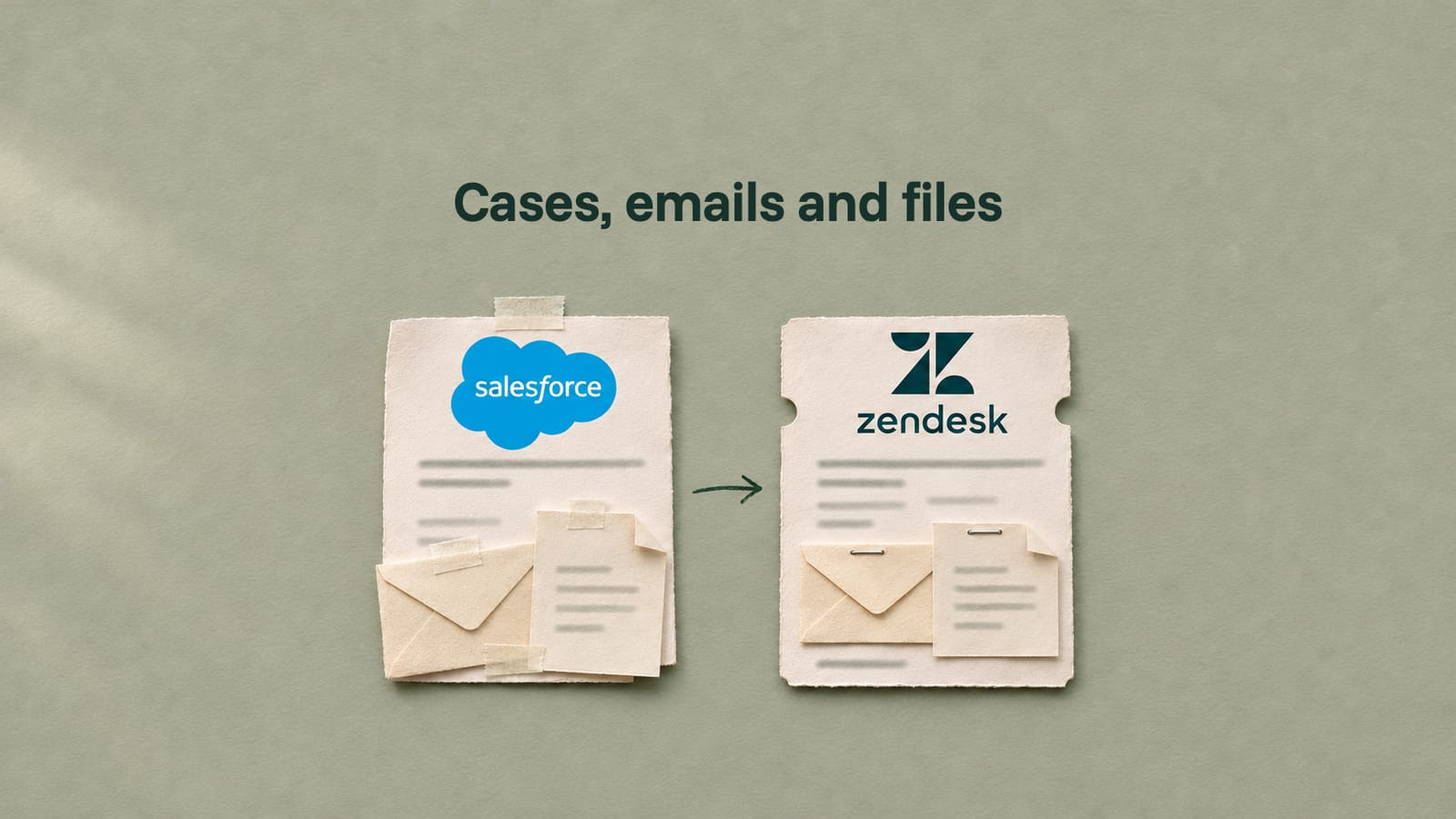
In a Salesforce to Zendesk migration, each Salesforce Service Cloud Case is read together with its EmailMessage, CaseComment and FeedItem records and every file linked to the Case, its emails or its feed posts. They are merged by date into one Zendesk comment list, and the ticket is imported through Zendesk's Ticket Import API, files first.
This guide is for support operations leads and Salesforce admins who have decided on Zendesk and need the Cases, emails and files to arrive intact. It goes one level below our Salesforce Service Cloud to Zendesk migration page, which has the full object mapping and timeline. Still choosing a destination? Start with the Salesforce case export plan.
What is read for each Case in a Salesforce to Zendesk migration?
Five sets of records: the Case, its emails, its case comments, its Chatter posts and its files. A complete export reads all five per Case and keeps them together until the ticket is written.
Two details from Salesforce's documentation shape the read:
- EmailMessage exists only when the org uses Email-to-Case or Enhanced Email. If your team answered by email outside those features, the replies may not be on the Case at all.
- A ContentDocumentLink query must filter on Id, ContentDocumentId or LinkedEntityId. You cannot list every file in the org and sort them later, so files are looked up per Case, per email and per post.
How do emails, comments and Chatter posts become one Zendesk thread?
By merging three Salesforce objects into one list sorted by time. Zendesk keeps one ordered list of comments per ticket, each with an author, a public or internal flag and its own created_at, so each entry keeps its original author and date.
How each Salesforce record enters the thread:
| Salesforce record | Time to sort on | Author in Zendesk | Watch for |
|---|---|---|---|
| EmailMessage | MessageDate, the date the email was created | Incoming emails: the end user. Outgoing: the agent | HTML and text bodies both exist; pick one per email |
| CaseComment | The comment's created date | The User who wrote it | Bodies are capped at 4,000 bytes, so long notes were often split |
| FeedItem | The post's created date | The User who posted | Rich text uses a short list of tags (p, a, b, code, i, u, s, ul, ol, li, img) |
Zendesk's Ticket Import API accepts a created_at on each comment, with two rules: not before 1970 and not in the future. Bad dates in old Salesforce data, such as a placeholder year, surface here, so they are listed during the free sample, not in the full run.
Emails and published comments become public. Unpublished comments and internal posts become internal notes. Feed posts visible to all users are the one real choice, and you make it at mapping.
Which Zendesk limits hit Salesforce Cases?
Three, as of November 2026. Most of Zendesk's import limits only matter at volume, but these change how Salesforce Cases are written.
What each Zendesk rule means for Cases:
| Zendesk rule | What it means for Salesforce Cases | Source |
|---|---|---|
| A ticket holds up to 5,000 comments, public and internal combined | A long-running Case with years of emails and feed posts can exceed it. Count entries per Case before the run | Zendesk Ticket Comments API |
| Update Ticket is limited to 30 updates per 10 minutes per user per ticket | The whole thread is written in the import call. Adding comments one by one afterwards is slow and capped | Zendesk rate limits |
archive_immediately sends imported closed tickets straight to the archive, suggested for 750,000 tickets or more | Closed history can go straight to the archive, out of agent views | Zendesk Ticket Import API |
One request goes to Zendesk on day one. Bulk user imports are off by default, and until Zendesk Customer Support enables them, create-many calls for users return 403.
How do Salesforce files reach the right Zendesk comment?
By following each file's link. A Salesforce file is a ContentDocument with one or more ContentVersion records, shared through ContentDocumentLink to the Case, one of its emails or a feed post. Links are looked up for all three, the latest version is taken, and the file is attached to the comment that carried it. Files linked only to the Case go on the first comment.
Size is the question to settle early. Salesforce's REST API accepts files of up to 2 GB per ContentVersion. Zendesk's help centre gives 50 MB as the limit for a single attachment on inbound email and web forms, and its Attachments API page states no per-file limit for uploads. So do not assume either number for the import. Put your largest Salesforce files in the sample and agree a rule, such as a link to an archive copy, for any file Zendesk refuses.
Both platform pages list everything else in scope: Salesforce Service Cloud and Zendesk. Counting Cases, comments and files on both sides afterwards is covered in our guide to data migration validation.
Facts checked November 15, 2026 from Salesforce Object Reference: EmailMessage, Salesforce Object Reference: CaseComment, Salesforce Object Reference: FeedItem, Salesforce Object Reference: ContentDocumentLink, Salesforce Object Reference: ContentVersion, Zendesk developer docs: Ticket Import, Zendesk developer docs: Ticket Comments, Zendesk developer docs: Users, Zendesk developer docs: Rate limits, Zendesk developer docs: Satisfaction Ratings and Zendesk help: Allowing attachments in tickets. No vendor paid for this article. How we research
Salesforce to Zendesk migration FAQ
Can I import Salesforce Cases into Zendesk with a CSV?
Not with their history. A Case's emails, comments and feed posts are separate Salesforce records, and Zendesk needs them as comments inside the ticket, each with its own author and date. Zendesk's Ticket Import API takes the ticket and its comments in one call, which is the route that keeps the thread intact.
What happens to a Case with more than 5,000 emails and comments?
Zendesk rejects it with a 422 error. There are two options: split the history across two linked tickets or keep the oldest entries as one internal note. These Cases are found when counting, before the run, and the fix is your choice.
Do Salesforce email attachments come across with the email?
Yes, when the export reads the file links on each EmailMessage as well as on the Case. Salesforce can link a file to the email itself instead of the Case, and an export that only checks the Case misses it. Each file is attached to the Zendesk comment made from that email.
Can Salesforce CSAT scores become Zendesk satisfaction ratings?
No. Zendesk lets only the end user listed as the ticket's requester create a satisfaction rating, so an import cannot write them. Each Case's score is kept in a custom ticket field or a tag, and old scores are reported from there next to new Zendesk ratings.
Will long Salesforce case comments be cut off in Zendesk?
No. Salesforce caps each CaseComment at 4,000 bytes, so long notes were often saved as several comments. Each one becomes its own Zendesk comment, in date order, with its original author and date, so the thread reads as it did in Salesforce.
See 100 of your Salesforce Cases in Zendesk
MigrateX is an AI migration platform, and migration experts review every step. It is SOC 2 Type II, GDPR and HIPAA compliant. Send us your Case count, the number of emails and files per Case if you know it, and your Zendesk plan. You get 100 of your own Cases in Zendesk, free, with every email, comment and file on the right entry, and a fixed quote within 24 hours. Book a scoping call.

Written by
Ayush BothraFounding Member, MigrateX
Ayush writes about ITSM platforms, pricing and what it takes to move a service desk to a new platform without losing its history.