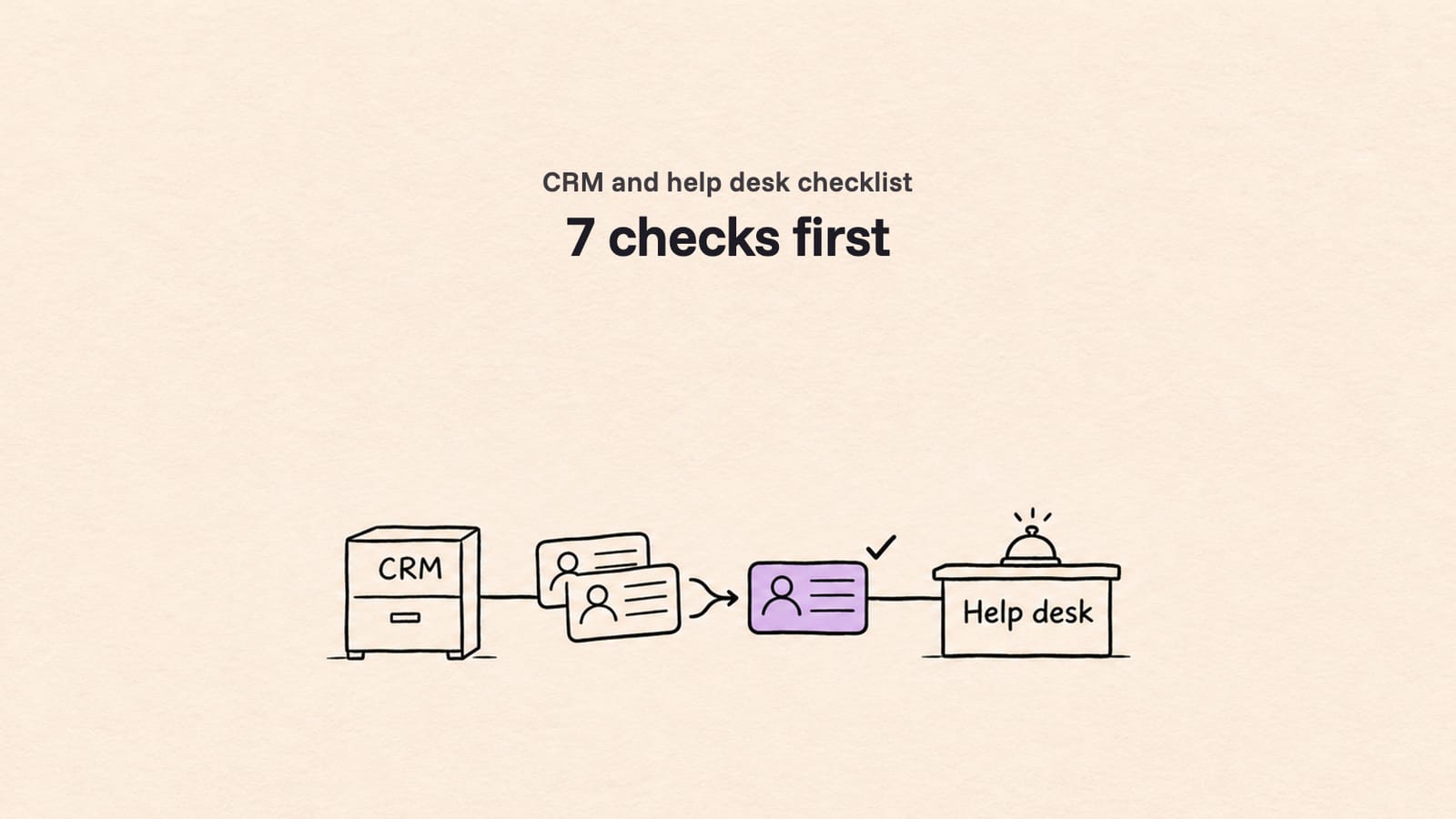
Data Migration Companies vs In-House: Cost and Fit
Data migration companies vs in-house scripts: compare the 4 options, work out the true cost of DIY with BLS pay data, and score your move. Use the worksheet.
 Ayush BothraFounding Member, MigrateX
Published Updated 11 min read

On this page
- Quick answer: when in-house works and when to hire a company
- The 4 data migration options compared
- Data migration cost: the true cost of doing it in-house
- What goes wrong when engineering builds the migration
- Decision scorecard: data migration company or in-house?
- What should a data migration company cost?
- How do you choose a data migration company?
- For partners and software vendors
- How MigrateX does this
- Data migration company vs in-house FAQ
- Changelog
Should you hire a data migration company or build the migration in-house? Build it yourself when the move is small and flat, your engineers know both APIs, and nobody needs years of ticket history to land perfectly. Hire a data migration company when ticket history, attachments, custom fields, departed agents or a fixed cutover window are in scope, because that is where scripts break and the rework lands on your team.
This guide is for service desk owners and IT leads at small and mid-sized companies, with short notes for partners and software vendors.
Quick answer: when in-house works and when to hire a company
In-house is a fair choice more often than vendors admit. The table gives the honest split.
| Your situation | Build in-house | Hire a data migration company |
|---|---|---|
| Records | A few thousand tickets, little history worth keeping | Tens of thousands of tickets or more, history needed for audit or reporting |
| Data shape | Flat: tickets, requesters, a few standard fields | Comments with internal/public visibility, attachments, inline images, custom fields, linked records |
| Team | An engineer with free weeks and API experience on both platforms | Engineers already committed to product or platform work |
| Cutover | You can freeze the old desk for days | Agents must keep working; you need a delta sync and a short freeze |
| Data rules | No regulated data | Health, payment or personal data that needs a DPA or BAA |
| Failure cost | A missing ticket is an annoyance | A missing ticket is an audit finding or a lost customer record |
If most of your answers sit in the left column, build it. The rest of this guide helps you price that decision honestly.
The 4 data migration options compared
There are four types of option, not two. A data migration service provider is one of them; the others are your own team, a tool you run yourself, and a consultancy that bundles migration into a wider project.
| In-house scripts | Self-serve migration tool | Managed migration service | Consultancy or systems integrator | |
|---|---|---|---|---|
| What you pay for | Your engineers' hours | A licence or a per-record fee, plus your admin's time | A project price, usually set after discovery | Day rates or a project fee, often bundled with implementation |
| Who does the work | Your engineers | Your admin, inside the tool's wizard | The provider, with your sign-off at each stage | The firm's consultants, sometimes subcontracting the data move |
| Test migration and reconciliation | You design both | Varies by tool; check for a reconciliation report | Should be standard deliverables | Depends on the firm; ask |
| Who owns a failed record | You | You, after the tool reports it | The provider, inside the agreed scope | The firm, inside the agreed scope |
| Main risk | Untested edge cases and pulled-away engineers | Silent gaps the tool doesn't support | Choosing on price instead of evidence | Migration treated as a minor line in a bigger project |
| Best for | Small, flat moves with spare engineering time | Standard source and target pairs with simple data | Cross-platform moves with history, attachments and a cutover window | Platform re-implementations where migration is one workstream |
A self-serve tool sits between the extremes: cheaper than a managed service when your data fits the tool, and costly when it doesn't, because you find the gaps after the load. A data pipeline is a different job again: see Fivetran vs MigrateX. Our guide to ITSM data migration services covers what a provider should deliver at each phase.
Data migration cost: the true cost of doing it in-house
The true cost of an in-house migration is the engineer hours multiplied by a loaded hourly rate, plus rework, plus the time of the people who review the result, plus the work those engineers would otherwise have shipped. Most DIY budgets count only the first line.
The base rate, from BLS
The US Bureau of Labor Statistics puts the 2025 median pay for software developers, quality assurance analysts and testers at $134,040 a year, or $64.44 an hour (BLS Occupational Outlook Handbook, last modified 27 Aug 2026, as of 4 Nov 2026). For database administrators and architects, the 2025 median is $126,760 a year, or $60.94 an hour (BLS database administrators page, as of 4 Nov 2026).
Those are wages only. BLS reports that for private industry workers in June 2026, wages and salaries were 70.0 percent of employer compensation costs and benefits the remaining 30.0 percent (BLS Employer Costs for Employee Compensation, as of 4 Nov 2026). Dividing by 0.70 gives a multiplier of about 1.43.
Loaded rate = $64.44 × 1.4 = $90.22 per hour. For a database administrator or architect: $60.94 × 1.4 = $85.32 per hour.
The worksheet
| Line | Formula | Your numbers |
|---|---|---|
| A. Build and test | Engineer hours × loaded rate | |
| B. Rework | Rework hours × loaded rate (re-runs after failed loads, fixes after go-live) | |
| C. Reviewers | Hours of service desk leads checking samples and signing off × their loaded rate | |
| D. Opportunity cost | Value of the product or platform work delayed while engineers migrate | |
| E. Overlap | Extra weeks paying for both platforms because the move ran long | |
| Total | A + B + C + D + E |
Example: one engineer spends eight full-time weeks (320 hours) building, testing and running the migration. Rework is assumed at 25% of build hours (80 hours), and two support leads review for 20 hours each (40 hours), all at the same $90.22 loaded rate.
| Line | Arithmetic | Cost |
|---|---|---|
| A. Build and test | 320 h × $90.22 | $28,870.40 |
| B. Rework | 80 h × $90.22 | $7,217.60 |
| C. Reviewers | 40 h × $90.22 | $3,608.80 |
| D. Opportunity cost | Not priced here; ask what the engineer would have shipped | ? |
| E. Overlap | Not priced here; see our licence overlap table | ? |
| A + B + C | 440 h × $90.22 | $39,696.80 |
The hours are hypothetical, not a benchmark. Lines D and E are often the largest. Our migration cost guide prices licence overlap at list price for 100 agents and lists the other costs that never reach a quote.
Why the estimate usually grows
Large projects overrun even with full teams. McKinsey and the University of Oxford studied more than 5,400 IT projects and found that large IT projects, those with initial price tags over $15 million, run 45 percent over budget and 7 percent over time on average, while delivering 56 percent less value than predicted (McKinsey, 1 Oct 2012, as of 4 Nov 2026). A ticket migration is far smaller than a $15 million programme, so read that as a warning about estimates, not a forecast.
For migrations specifically, a Bloor Research white paper by Philip Howard (September 2007) says "more than 60% of data migration projects have overruns on time and/or budget" (Bloor Research, as of 4 Nov 2026). It is old research, but no newer neutral benchmark replaces it.
What goes wrong when engineering builds the migration
In-house migrations rarely fail on the code. They fail on data rules nobody wrote down and platform limits nobody planned around.
| Risk | What it looks like in ticket data | Impact |
|---|---|---|
| Rate limits | Zendesk's incremental export endpoints allow 10 requests per minute, or 30 with the High Volume API add-on (Zendesk rate limits, as of 4 Nov 2026) | Exports take far longer than a back-of-envelope estimate |
| Target API caps | Freshservice allows 100 to 500 API calls per minute by plan, and a ticket's attachments created through the API "cannot exceed 40 MB" (Freshservice API docs, as of 4 Nov 2026) | Loads stall, and large attachments need a separate rule |
| Note visibility | Internal notes land as public replies | Private discussions shown to requesters |
| Departed agents | Tickets point to users who no longer exist in the target | Load errors, or history credited to one system user |
| Inline images | Ticket bodies still point at the old system's image URLs | Broken screenshots once the old desk is switched off |
| Dates and authors | Created dates become the load date | Reporting, SLA history and audit trails are wrong |
| Automations firing | Target workflows run on imported tickets | Requesters get flooded with old notifications |
Our post on why automated migration scripts fail covers the technical side of these failures. Whoever runs the move, a data migration validation pass that reconciles counts, fields and attachments is what tells you it worked.
Cutover risk has a price too. In Uptime Institute's 2025 outage analysis, 54% of respondents said their most recent significant outage cost more than $100,000, and one in five said more than $1 million (Uptime Institute, May 2025, as of 4 Nov 2026). Those are data center and IT service outages, not service desk cutovers, but they show why a cutover plan with a delta sync and a rollback point is worth paying for.
Decision scorecard: data migration company or in-house?
Score each factor 0, 1 or 2 for your move. The factors are the ones that most often turn a simple ticket migration into a project.
| Factor | 0 points | 1 point | 2 points |
|---|---|---|---|
| Ticket volume | Under 10,000 | 10,000 to 100,000 | Over 100,000 |
| Attachments and inline images | Few or none | Some, under the target's limits | Many, or files over the target's limits |
| Custom fields | A handful, simple types | Dozens, or dropdowns that need value mapping | Many, with dependent fields or custom objects |
| Automations and SLAs | None to preserve | Rebuild only | Rebuild plus SLA history that must stay correct |
| Departed agents and old groups | None | Some | Years of turnover |
| Regulated data | None | Personal data under GDPR | Health or payment data, BAA needed |
| Cutover window | Days of freeze allowed | One weekend | Hours, with agents working throughout |
| Engineering capacity | An engineer free for the full project | Part-time help only | No spare engineering time |
0 to 5: build in-house. A script or a self-serve tool is likely fine. Run a test load first. 6 to 10: either can work. Get a quote from a data migration company and compare it with your worksheet total, opportunity cost included. 11 to 16: hire a data migration company. The risk you'd carry is larger than the fee you'd save.
The cut-offs are our starting point, not a published standard.
What should a data migration company cost?
There is no neutral public price list for ticket migrations, and a quote without a scope behind it is a guess. A provider should price after a short discovery that counts records by type, attachment volume, custom fields and the number of test loads.
When you compare quotes, compare the same scope:
- What counts as a record. Do comments, attachments and linked records count separately?
- How many test migrations are included, and what a re-run costs.
- Delta sync and cutover support, included or extra.
- Reconciliation report, included and in what format.
- What is excluded. Workflows, automations and SLA policies are usually rebuilt on the target, not migrated.
Put the quote next to your worksheet total. If it is lower than lines A to C alone, the decision is easy; if higher, decide whether lines D and E close the gap.
How do you choose a data migration company?
Most data migration companies sound alike on a website. These questions separate the experts. For one side-by-side, see how we compare with another migration service.
- Have you moved this exact source and target pair? Ask for the record types moved, not a logo.
- Will you run a test migration on our real data before we sign? A sample on your messiest records beats any demo.
- What does your reconciliation report show? Counts per record type and status, field samples, attachment counts and failed records with reasons.
- How do you handle internal notes, departed agents and inline images? Get the rule for each.
- Do original created dates and comment authors survive? If not, where do they go?
- How does cutover work? Bulk load, delta sync, freeze length, rollback point and who is on call.
- Who owns a failed record after go-live, and for how long?
- What security and compliance terms can you sign? Ask for SOC 2 reports, a DPA and, for health data, a BAA.
- Who does the work? In-house team or subcontractors, and where they are based.
- What is not in the quote? Get the exclusions in writing.
For partners and software vendors
MSPs and systems integrators. Migration is often the line that eats project margin, because data surprises appear after the fixed price is set. Price discovery separately, or subcontract the data move to a specialist and keep the implementation. Moving one client out of a shared instance has its own steps: see domain-separated ServiceNow offboarding. See /partners for how we work with partners.
Software vendors. Solutions engineers building one-off importers to close deals is the in-house option with a sales deadline. Use the worksheet with lost deal time as line D. See how we work with software vendors.
How MigrateX does this
MigrateX is an AI migration platform for service desk and ITSM data, with ITSM experts reviewing each step. We map your fields, run a test migration on your data, cut over with a delta sync and hand you a reconciliation report before sign-off. We are SOC 2 Type II, GDPR compliant and HIPAA compliant, with a DPA and BAA available (see /security).
Two recent projects from our customers page: 5 million records for a UAE technology company, with multiple delta syncs, and 70,000 tickets moved in 24 hours.
Start with a free 100-record sample and get a fixed quote within 24 hours: talk to us.
Facts checked November 4, 2026 from BLS Occupational Outlook Handbook, BLS Employer Costs for Employee Compensation, McKinsey and University of Oxford, Bloor Research, Uptime Institute and FASB ASU 2025-06. No vendor paid for this article. How we research
Data migration company vs in-house FAQ
How much does data migration cost?
It depends on scope: record volume, attachments, custom fields, test loads and the cutover window. There is no neutral public benchmark for ticket migration prices. For an in-house estimate, multiply engineer hours by a loaded rate, starting from the BLS 2025 median of $64.44 an hour for software developers, QA analysts and testers, then add rework, reviewer time and opportunity cost.
Is it cheaper to migrate data in-house?
Only for small, flat moves with spare engineering time. Once you count rework, reviewer hours, the work your engineers didn't ship and extra weeks of licence overlap, a data migration company is often cheaper for moves with history, attachments and a short cutover window. Fill in the worksheet above with your own hours before you decide.
What are the pros and cons of outsourcing data migration?
Pros: the provider owns failed records inside the scope, has tested handling for limits and edge cases, and frees your engineers. Cons: a fee, the provider's schedule, and sharing data with a third party, so you need a DPA and, for health data, a BAA.
Can data migration costs be capitalized?
Mostly no, under US GAAP. ASC 350-40-25-5 says data conversion costs are expensed as incurred, except costs to develop or obtain software that allows access to or conversion of old data by new systems, which are capitalized (FASB ASU 2025-06, September 2025). ASU 2018-15 applies the same rule to cloud service contracts. Talk to your accountant.
How long does a data migration take?
There is no neutral benchmark. Duration depends on volume, API rate limits on both platforms, the number of test loads and how long you can freeze the old desk. Rate limits alone can set the floor: Zendesk's incremental exports allow 10 requests per minute without the High Volume API add-on.
Changelog
- 23 Mar 2026: First published as "Don't Let Engineering Build Migration Scripts".
- 4 Nov 2026: Rewritten and moved from /blog/engineering-team-should-not-build-migration-scripts. Added the four-option comparison, a DIY cost worksheet built on BLS pay data, a risk table, a decision scorecard and a vetting checklist; checked every figure against its original source and removed unsourced numbers.

Written by
Ayush BothraFounding Member, MigrateX
Ayush writes about ITSM platforms, pricing and what it takes to move a service desk to a new platform without losing its history.