


 GDPR compliant
 HIPAA compliant

Jira Service ManagementIntercom
Jira Service Management to Intercom migration
MigrateX migrates your Jira Service Management work items, customers and knowledge base articles into Intercom as tickets with AI-powered migration and 100% data fidelity. Data deleted 60 days after paid deactivation, and we handle it. Intercom is the conversation-based customer service platform at intercom.com.
Scope my migration
Free sample migration of 100 of your records, plus a fixed quote within 24 hours.
Last updated · 10 object types mapped
- 1000+migrations
- 15 yearsof collective experience
 SOC 2 Type IIGDPR compliantHIPAA compliant
Jira Service Management to Intercom at a glance
MigrateX migrates your Jira Service Management organizations, customers, work items and knowledge base articles into Intercom's companies, contacts, tickets and Help Center articles, with AI-powered mapping and 100% data fidelity. Your team checks a free sample of 100 records before the full run.
Details
- What moves
- Organizations, customers and work items with their public comments, internal comments and attachments, plus custom fields, labels and knowledge base content.
- What stays behind
- Request types and queues and SLAs and automation rules. Your admin rebuilds this configuration in Intercom.
- What sets the pace
- The Intercom side sets the pace, so the run is planned around its limits.
- What you prepare
- On Jira Service Management: connect through an API token. On Intercom: confirm your workspace region.
- Objects mapped
- 9
- in this route's mapping
- Data fidelity
- 100%
- AI maps, moves and verifies
- Free sample
- 100 records
- checked by your team first
- Quote
- Fixed
- within 24 hours
How does each Jira Service Management object land in Intercom?
Each Jira Service Management object and the Intercom object it becomes, reviewed with you before the free sample.
- 9 moves
- 1 matched
- 3 rebuild
Work items becomes Tickets
MovesPublic comments becomes Ticket replies
MovesPeople who were CC'd join an Intercom conversation as participants, who take part by email only.
Internal comments becomes Internal notes
MovesAttachments becomes Attachments
MovesThrough the API, images on a reply or a new message are sent as image links and added to it as attachments, up to 10 a message.
Organizations becomes Companies
MovesIntercom shows a company only once at least one user is associated with it.
Customers becomes Contacts
MovesAgents becomes Teammates
MatchedRecords are assigned to teammates your admin has already invited to Intercom.
Custom fields becomes Ticket type attributes
MovesLabels becomes Tags
MovesKnowledge base articles becomes Help Center articles
MovesIntercom's create-article API has no field for an article's original creation date.
Workflow statuses becomes Intercom ticket states
RebuildWhich Intercom status each Jira Service Management one takes is agreed in the mapping review.
Request types and queues becomes Rebuilt by your admin
RebuildConfiguration, not records. Your admin rebuilds them, with the Jira Service Management set-up as the reference.
SLAs and automation rules becomes Rebuilt by your admin
RebuildConfiguration, not records. Set up in Intercom before go-live.
Good to know
Attribute limits for your custom fields
Conversations and each ticket type take up to 250 text attributes each; a workspace has at most 5,000 conversation data attributes in total, counting conversations and all ticket types together.
Sources(12), checked 22 Nov 2026
- Intercom Help Center, “How to set up ticket types”
- Intercom developer documentation, “Conversation Part”
- Intercom Help Center, “Manage group conversations in the Inbox”
- Intercom Help Center, “Control how attachments are uploaded and used”
- Intercom developer documentation, “Reply to a conversation”
- Intercom developer documentation, “Intercom API reference: Create or update a company”
- Intercom developer documentation, “Import Contacts with the Intercom API”
- Intercom developer documentation, “Intercom API 2.18”
- Intercom developer documentation, “Create an article”
- Atlassian developer documentation, “The Jira Service Management Cloud REST API”
- Intercom developer documentation, “Intercom API reference: List all ticket states”
- Intercom Help Center, “Create and use conversation data attributes (CvDAs) in the Inbox”
Which limits set the pace?
Jira Service Management's documented read limits and Intercom's documented write limits, by plan.
Jira Service Management reads1 limit
| Limit | Value |
|---|---|
| Burst limit, GET | Default steady-state 100 requests a second per endpoint for GET, per tenant, using a token bucket with a burst buffer. |
Intercom writes2 limits
| Limit | Value |
|---|---|
| Private apps, calls a minute per workspace (shared by every private app) | 10,000 calls a minute per workspace, shared by all its private apps, for reads and writes. |
| Workspace ceiling across all apps, calls a minute | 25,000 calls a minute per workspace across all apps; one private app gets the 10,000 private-app allowance. |
What this means
Intercom is the slower side, so the Intercom side decides the pace and the run is planned around its limits.
Sources(2), checked 22 Nov 2026
Timeline
Jira Service Management to Intercom migration timeline
Dates are set with your team on the scoping call. Record volume, both platforms' rate limits and your review of the sample shape them.
Preparation
Scope
Confirm what moves and where
- Connect through an API token
- Create an access token app
- Invite every teammate
Migration
Free sample
100 records, checked by you
Full run
AI maps, moves and verifies
Delta sync
Catches changes at cutover
Validation
Sign-off
Your team signs off
Details · what to prepare on Jira Service Management and Intercom
Two short lists of admin work your team does once, before the free sample.
On Jira Service Management
Connect through an API token
API token traffic is governed by the burst limits rather than the points-based hourly quota.
Set the token's expiry date
Atlassian API tokens expire on the date set when they are created, from one day up to one year.
Check for archived work items
Archived work items appear only in Archived work items and cannot be edited; they can be restored.
List both kinds of customer
Customers with Atlassian accounts are managed under Directory > Users; portal-only customers under Jira Service Management > Portal-only customers.
On Intercom
Confirm your workspace region
Intercom hosts workspaces in the US, Europe or Australia, and each region has its own API host.
Create an app for the access token
Intercom issues an access token when you create an app on your workspace in the Developer Hub. It sits under Configure > Authentication.
Invite every teammate
Admins or workspace owners invite teammates under Settings > Workspace > Teammates. Each invite emails that teammate.
Create your ticket types
Ticket types are set up under Settings > Inbox > Tickets, each as a customer, back-office or tracker type. Every ticket needs a ticket type.
Sources(8), checked 22 Nov 2026
- Atlassian developer documentation, “Rate limiting”
- Atlassian Support, “Manage API tokens for your Atlassian account”
- Atlassian Support, “Archive a work item | Jira Cloud”
- Atlassian Support, “What different account types can customers have?”
- Intercom developer documentation, “About our REST API”
- Intercom developer documentation, “Authentication”
- Intercom Help Center, “Add, remove/delete, or export a teammate”
- Intercom Help Center, “Tickets explained”
Known risks
Known risks, all handled
- 3 handled
- HandledMost critical
Data deleted 60 days after paid deactivation
The problem
After deactivation, Atlassian keeps app data 60 days on paid or 15 days on free subscriptions, then permanently deletes it.
How we handle it
The full run and the final catch-up run are planned inside your term.
- Handled
Imported contacts may receive live outbound messages
The problem
Contacts who match the audience of a live outbound message receive it straight away after an import.
How we handle it
Your admin pauses Intercom's outgoing messages and notifications for the run.
- Handled
API-created historical tickets can email contacts
The problem
Contacts can be notified by email as each historical ticket is created for them.
How we handle it
Your admin takes Intercom's documented step before the free sample.
Get your fixed quote
Tell us roughly what should move, and you get a fixed quote within 24 hours.
MigrateX customer, ServiceNow to Freshservice
“Our customer was moving from ServiceNow to Freshservice, and the go-live date was brought forward. Within 12 hours they had mapped the fields with us and shown our customer a demo to check. The full migration took just over two hours. Our customer went live on time.”
 Natchaporn (Neena) NukulpongProject Manager, Metro Systems
- 19,970 records in the full run
- 136 min from start to finish
Jira Service Management to Intercom questions
Still unsure? Ask the MigrateX team, not a sales rep.
Before you start
How do Jira Service Management requests become Intercom tickets?
Each work item becomes an Intercom ticket holding its replies and internal notes. Work items move through the APIs, not the Jira Cloud backup, and Assets are not in this mapping.
Who runs the migration?
MigrateX's AI maps, moves and verifies your data. Your admins set up access, and your team checks the free sample of 100 records and signs off before the full run.
Do internal comments stay hidden from customers in Intercom?
Yes. Public comments become ticket replies and internal comments become internal notes. Each comment's public flag in Jira Service Management decides whether it lands as a reply or a note, so the split carries over.
Your data
What moves from Jira Service Management to Intercom?
Work items, comments, attachments, organizations, customers, custom fields, labels and knowledge base articles move, as tickets, replies, notes, attachments, companies, contacts, ticket type attributes, tags and Help Center articles. The mapping is reviewed before the free sample.
Do request types and queues move?
No. Request types, queues, SLAs and automation rules are configuration, so your admin rebuilds them in Intercom. Workflow statuses become Intercom ticket states, agreed in the mapping review.
What happens to knowledge base articles held in Confluence?
They become Help Center articles in Intercom. Because they are Confluence content, not Jira objects, they move from the linked Confluence space, folder or page, separately from your work items.
Security and cost
How much does a Jira Service Management to Intercom migration cost?
You get a fixed quote within 24 hours of the scoping call, set by record volume, the objects in scope and both platforms' rate limits. A free sample of 100 records comes first.
What does the free sample include?
100 of your own Jira Service Management records, migrated into Intercom with their public comments, internal comments and attachments, so your team can check the mapping before the full run. The sample is free.
Is our support data safe during the migration?
MigrateX is SOC 2 Type II, GDPR compliant and HIPAA compliant. Access to Jira Service Management and Intercom is set up with your admins, and nothing is written to Intercom until you sign off the mapping.
Guides
Guides for a Jira Service Management to Intercom migration

 Platform guides
Jira Data Center End of Life (2029): Key Dates, Options and What to Do Now
12 min read
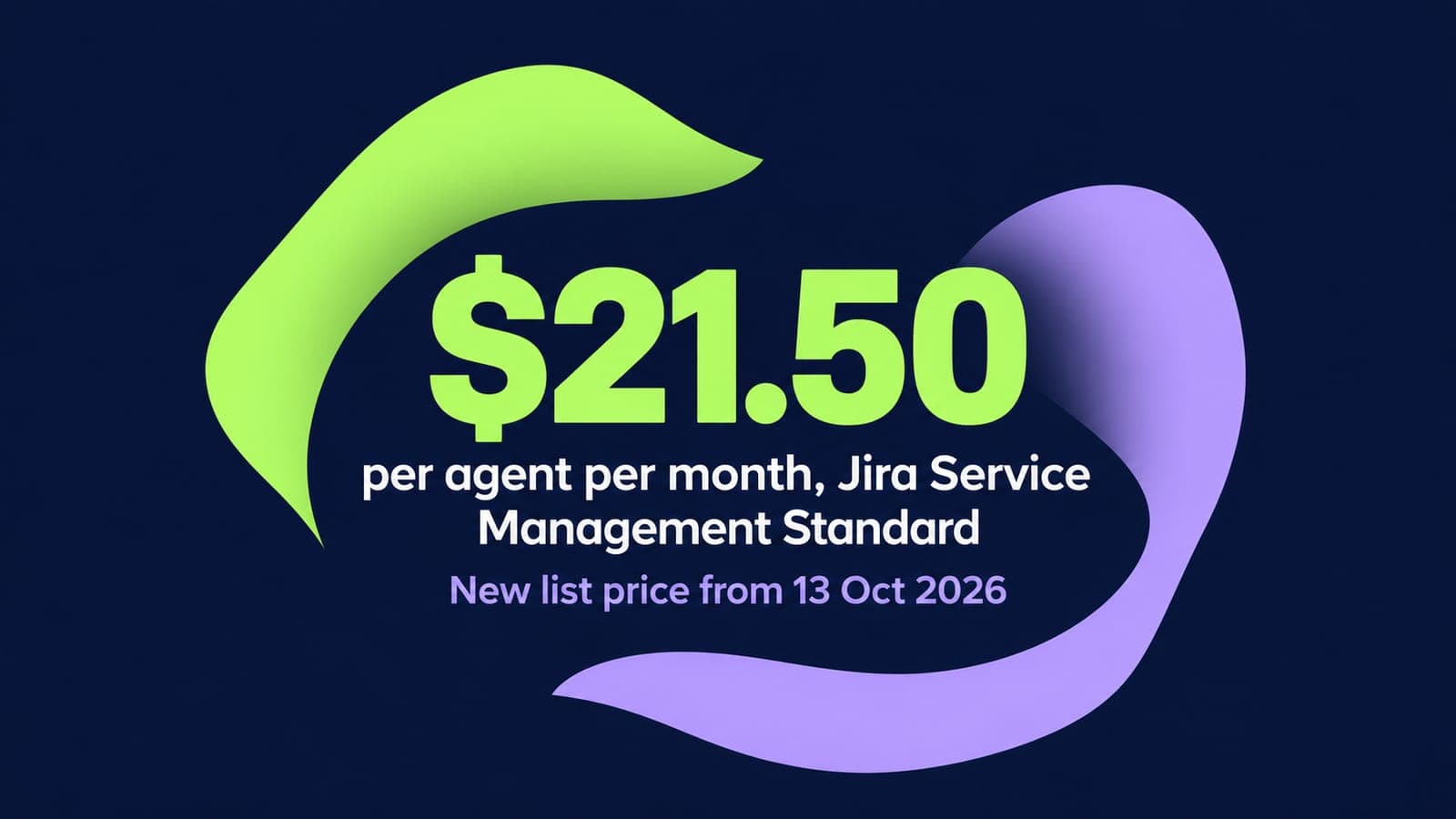 Pricing and costs
Jira Service Management Pricing 2026: Plans, Per-Agent Costs and Hidden Fees
14 min read
Related routes
Other routes we run


SOC 2 Type II · GDPR compliant · HIPAA compliant.Read how we handle your data

Start your Intercom move with 100 of your records.
Scope my migrationFree sample migration of 100 of your records, plus a fixed quote within 24 hours.